It's 8pm. The fitting's done, the van's unloaded, and you're at the kitchen table retyping window sizes off a supplier PDF into a quote, then into a job, then into the order. Same numbers, three times, fingers crossed you didn't fat-finger a 1200 into a 1020. This is the work AI is genuinely good at, and it's the work that should never have been yours in the first place.
Let's be clear about the position, because the scaremongering deserves a straight answer: AI is not coming for your trade. Nobody is automating the measure of a bay window, the feel of a sash that's running true, or the judgement to tell a customer the lintel needs attention before the glass goes in. What AI can do is take the repetitive office work that sits around the skilled work and do it faster, so your people spend more time on the parts that actually need them. Augment and accelerate, not replace.
The trade most able to benefit is the least likely to try
Here's the uncomfortable bit. Construction and the trades are near the back of the queue on AI: 88% of construction firms report neither using AI nor having any plans to, well above the all-sector average, mostly because they assume it isn't relevant to hands-on work (GOV.UK, AI Adoption Research). That assumption is half right and expensively wrong. AI can't fit a window. It can absolutely kill the two hours of evening admin that fitting a window currently drags behind it.
And the fear that it costs jobs isn't borne out where firms have actually adopted it. Of the quarter of UK businesses now using AI, just 4% reported any fall in headcount as a result (ONS, Business Insights, January 2026). The story on the ground isn't redundancy. It's the same team getting more out the door without drowning in paperwork.
What AI is genuinely good at, and what it isn't
Don't automate everything. Automate the work that is repetitive, rule-based, and happens constantly. For an installer, that shortlist is specific:
- Reading supplier and manufacturer documents. Pulling sizes, references and customer details off a Rehau or Deceuninck PDF so nobody retypes them into a quote.
- Creating linked records. Spinning up a customer and a job together, updating notes, changing a booking, without clicking through form after form.
- Reshuffling the diary. Glass slips a week, three installs need moving to Thursday. One instruction instead of dragging bookings around one at a time.
- Chasing money. Surfacing overdue invoices and unpaid deposits, and drafting the reminder ready for you to send.
- Triage. Answering "what actually needs me today?" instead of scrolling everything.
Now the other list, the work AI should stay out of: the survey, the spec decision, the awkward conversation when a job's gone wrong, the call on whether to price an extra or wave it through. That's trade judgement and customer trust, and it's exactly what keeps you protecting your reputation Your Reputation is Everything: How to Keep and Improve ItYour reputation is a measurable filter that decides who even calls you, so protect it by being reliable, asking for a review after every job, and keeping a steady stream of recent feedback. one job at a time. Automate the typing. Keep the deciding.
It levels up the whole team, not just the owner
This is the part most people miss, and it's the strongest argument for leaning in. The biggest study of AI at work so far, across 5,000-plus support staff, found it raised productivity by 14% on average, but the gains weren't evenly spread: newer and less experienced workers improved by around 34%, while the most experienced barely moved (NBER, Generative AI at Work). A worker two months in performed like one with six months' tenure.
Translate that to a fitting firm. Your best estimator already prices a bay in their sleep, so AI won't make them dramatically faster. But the apprentice in the office, the new admin hire, the partner doing the books on a Sunday? AI hands them the experienced person's pace on routine work. It narrows the gap between your most capable and your newest, which is precisely the gap that usually caps how fast you can grow.
Your data has to live in one place first
AI is only as good as the data you point it at. If your customer details are spread across three phones, the job history is in your head, and half the photos are in a WhatsApp thread nobody checks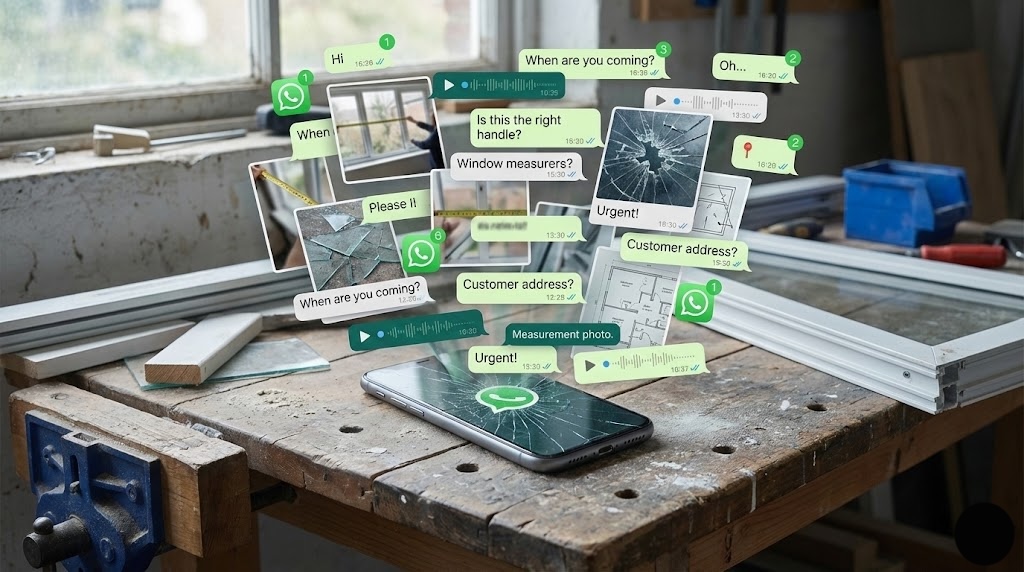 The hidden cost of running your fitting business from WhatsAppWhatsApp feels free until your job photos, customer history and fitter knowledge live on personal phones instead of in the business, and then every dispute, handover and evening ping has a hidden cost., there's nothing solid for it to act on. Garbage in, confident garbage out.
So the unglamorous prerequisite is getting every job onto one record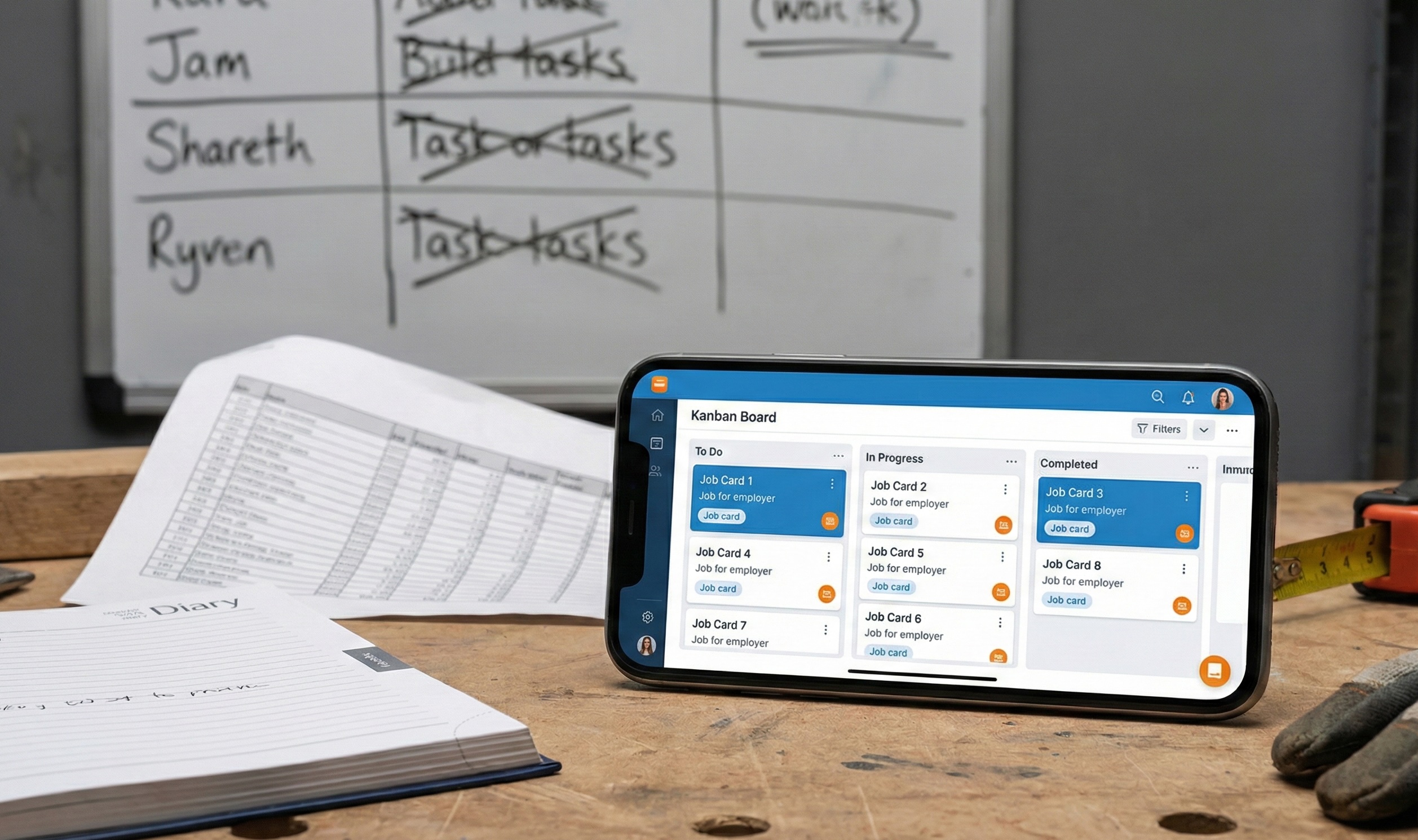 How to track window fitting jobs properlyTracking jobs across WhatsApp, memory and stale spreadsheets stops working around ten live jobs, and one shared record per job with status, photos and schedule is the fix.: the survey, the measurements, the photos, the schedule and the customer, connected. It's the same reason going paperless
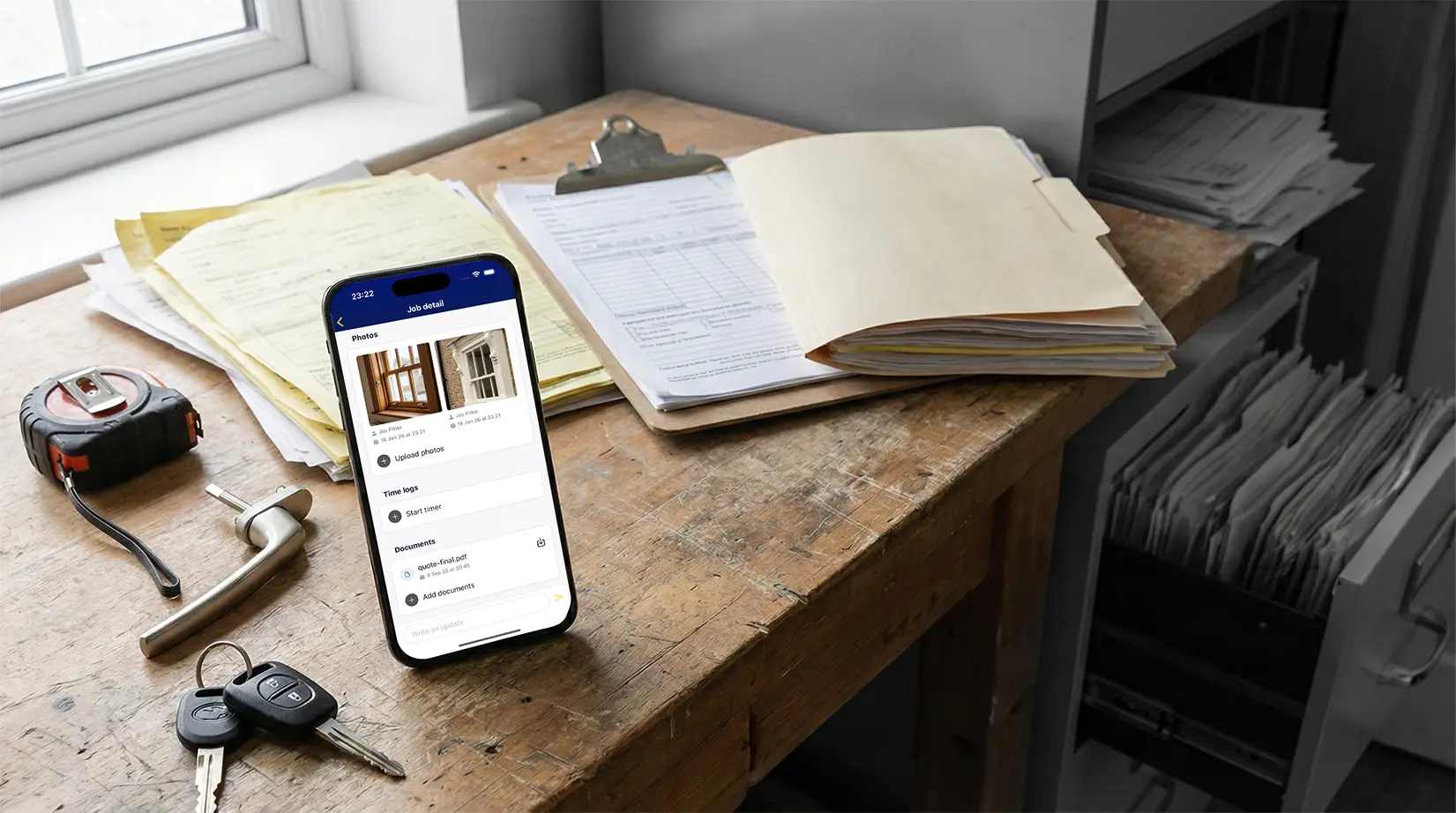 How to go paperless as a window fitterGoing paperless means replacing lost forms, illegible notes and disconnected photos with digital surveys, job records and invoices that live on each job. and using digital survey forms
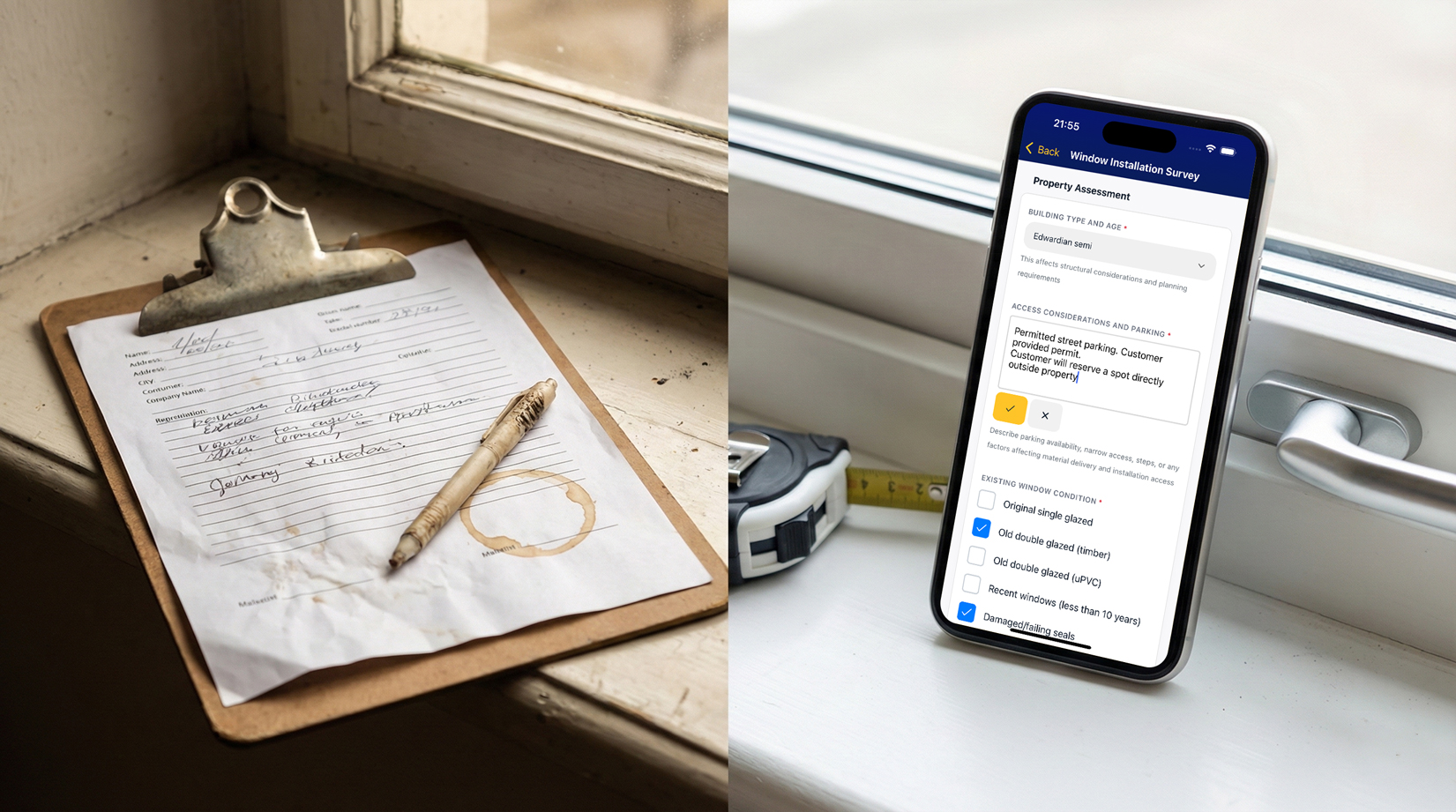 Digital survey forms for window fitters: why paper is costing youDigital survey forms on site replace lost paperwork, illegible notes and disconnected photos with data the office can quote from immediately. pay off on their own. Clean, connected data is what turns AI from a party trick into something that reliably saves you the evening.
Your name stays on every customer message
Leaning into AI doesn't mean handing over the relationship. The model that works, and the one we build to, is simple: AI prepares, you approve. Let it draft the payment chaser, set up the job, propose the reschedule. Nothing reaches a customer until a human says yes.
That isn't a limitation, it's the point. Your reputation is built one promise kept at a time, and a single tone-deaf automated email undoes a lot of goodwill. Keep the speed of automation and keep your judgement on anything touching money, timing or a promise. You stay in the room; the admin just gets done before you get there.
How Marshall helps, in plain English
This is exactly what we built Marshall, the AI assistant inside FitterPal, to do. It sits in a sidebar next to your live jobs, customers, schedule and invoices, so it acts on your real business, not generic answers off the internet. In practice you can:
- Attach a supplier PDF and ask Marshall to pull the sizes, references and customer details into a new job or quote.
- Say "create the customer and the job together" and skip working through two separate forms.
- Tell it "move Tuesday's installs to Thursday" and have several bookings shift in one go, on the week you're already looking at.
- Ask "what needs my attention today?" or "which deposits are still owed?" and get the answer without building a report.
- Have it draft the overdue-invoice reminder, which goes out only when you press send.
Because Marshall sits on top of the rest of the platform, quoting, scheduling, job tracking, photos and invoicing in one place, it works on the full picture rather than a disconnected bolt-on. That's what lets it cut the chaos Cutting Through the Chaos: How Software Can Simplify Your Window Fitting BusinessRunning your window fitting business across spreadsheets, texts and notes quietly costs you about a day a week; one trade-specific system turns that chaos into time back on the tools. instead of becoming another app to manage.
The future we're building, and the invite
The honest reason to care about this now is margin. In a trade where net margins are thin How The Best Window Fitting Companies Stay ProfitableIn a trade running on roughly 2% net margin, profit is won in percentage points, and the best firms protect them through disciplined pricing, near-zero rework and tight scheduling rather than by fitting more windows., hours of unpaid evening admin and the mistakes that come from retyping are pure leakage. Take that off the table and the same jobs simply pay better, while your team gets the capacity to take on more without stretching to breaking point
 How to expand a window fitting business to new areasExpanding into a new area only works once your home operation runs on repeatable systems, not late-night paperwork and memory..
We're not bolting AI on as a gimmick. We think it's the direction the whole trade is heading, and we'd rather help fitting firms get there early than watch them assume it's "not for us" until a competitor proves otherwise. The firms that lean in now keep the craft exactly where it belongs, in human hands, and let the software carry the paperwork. That's the journey we're inviting you on, and it starts with winning back one evening a week.
Book a demo and we'll show you where Marshall can take the admin off your plate first.