Upload videos on a job
Site videos sit with the photos, with a still of the first frame and a transcript of what's said.
You can add a video anywhere you already add photos on a job. Use the photo upload on the job, drop a video onto the job page, or send it from the FitterPal app with the same photo upload.
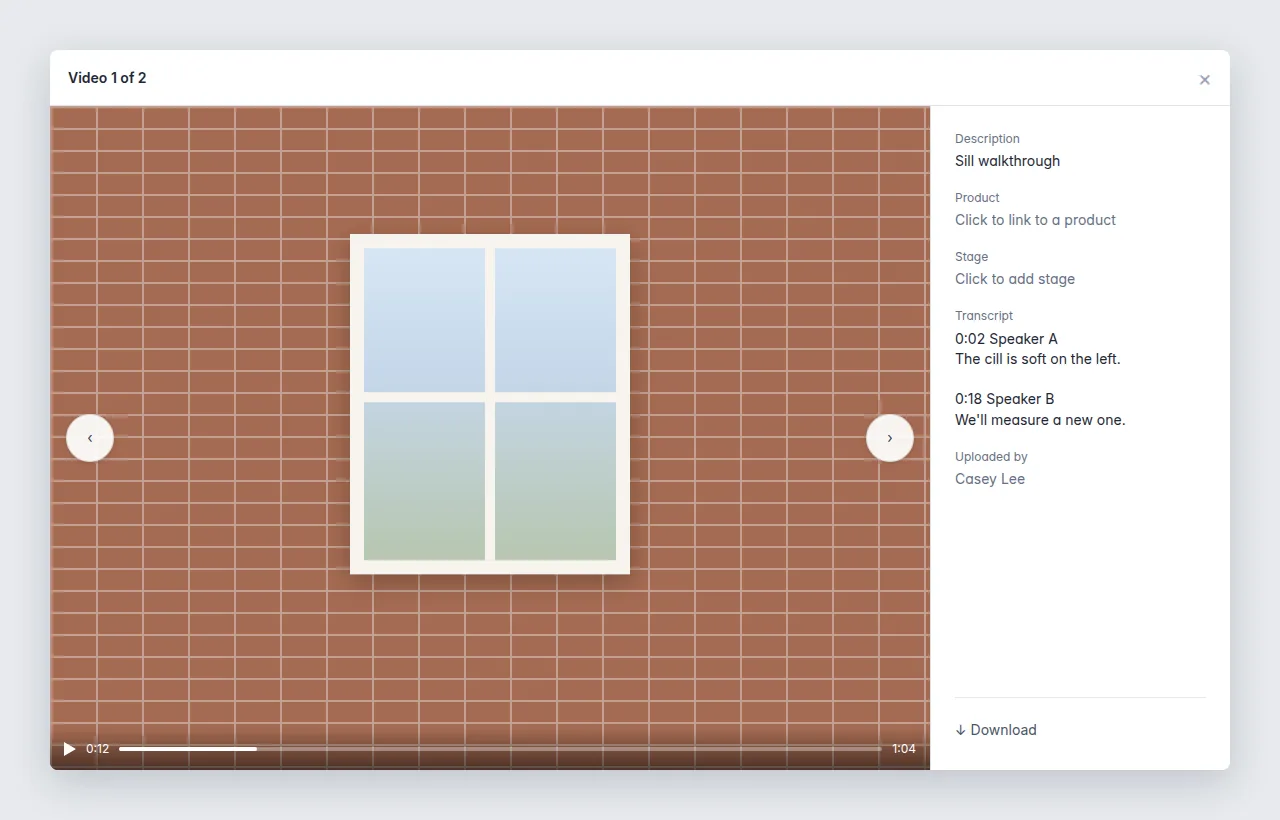
The video shows in the photo list. A still of the first frame is used as the thumbnail, the same way photos use theirs, with a play icon over the still so it is easy to tell apart from a photo. Open it to play the video. When someone is speaking, a transcript appears beside it, with timestamps, so the office can read the site notes without watching the whole clip.
Videos can be up to 250 MB. Common phone formats are fine, including the videos an iPhone saves. Longer videos upload straight to storage, so they do not pass through the app server.