Separate checklist items from job tasks
We've separated SmartStages checklist items from job tasks to make your tasks list easier to use.
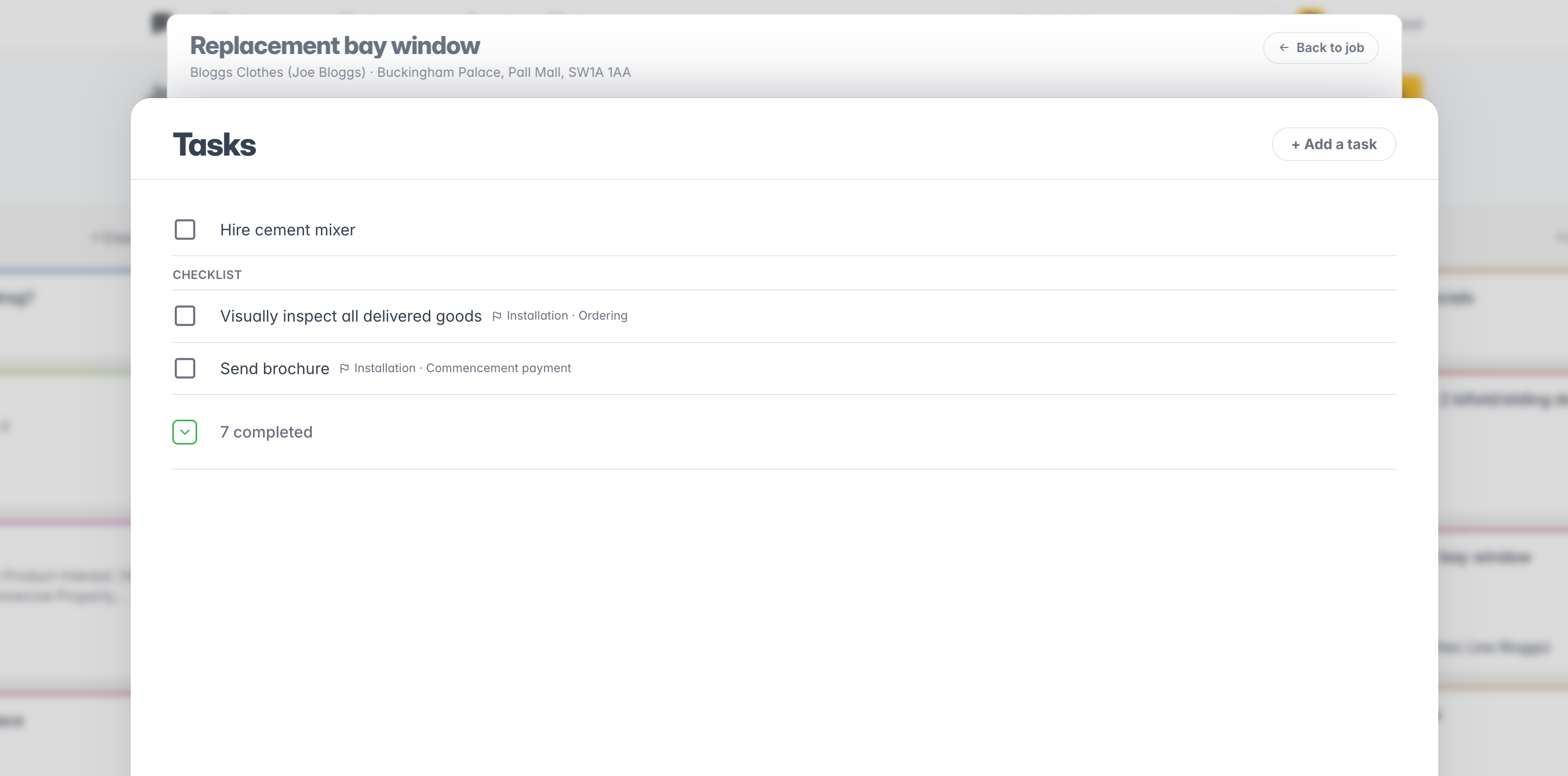
Checklist tasks from SmartStages stay with the job stages where they belong. The dashboard and company Tasks page no longer fill up with every checklist item from every job.
What changed
- Open tasks on the dashboard and on Tasks skip checklist items by default, so one-off to-dos stay easier to spot.
- On the Tasks page, use Show checklist when you want those items in the list. Each checklist row shows its SmartStages step name, and job-linked tasks show the customer name next to the job.
- On a job’s Tasks list, checklist items sit under their own Checklist section with the related stage name, so they stay organised without mixing into everyday tasks.
Checklist tasks still appear under the matching SmartStages step, and you can still apply a checklist from the job as before.