Showcase finished jobs on social media
Turn job photos into a branded Instagram or Facebook post with a Marshall caption, then download or share it.
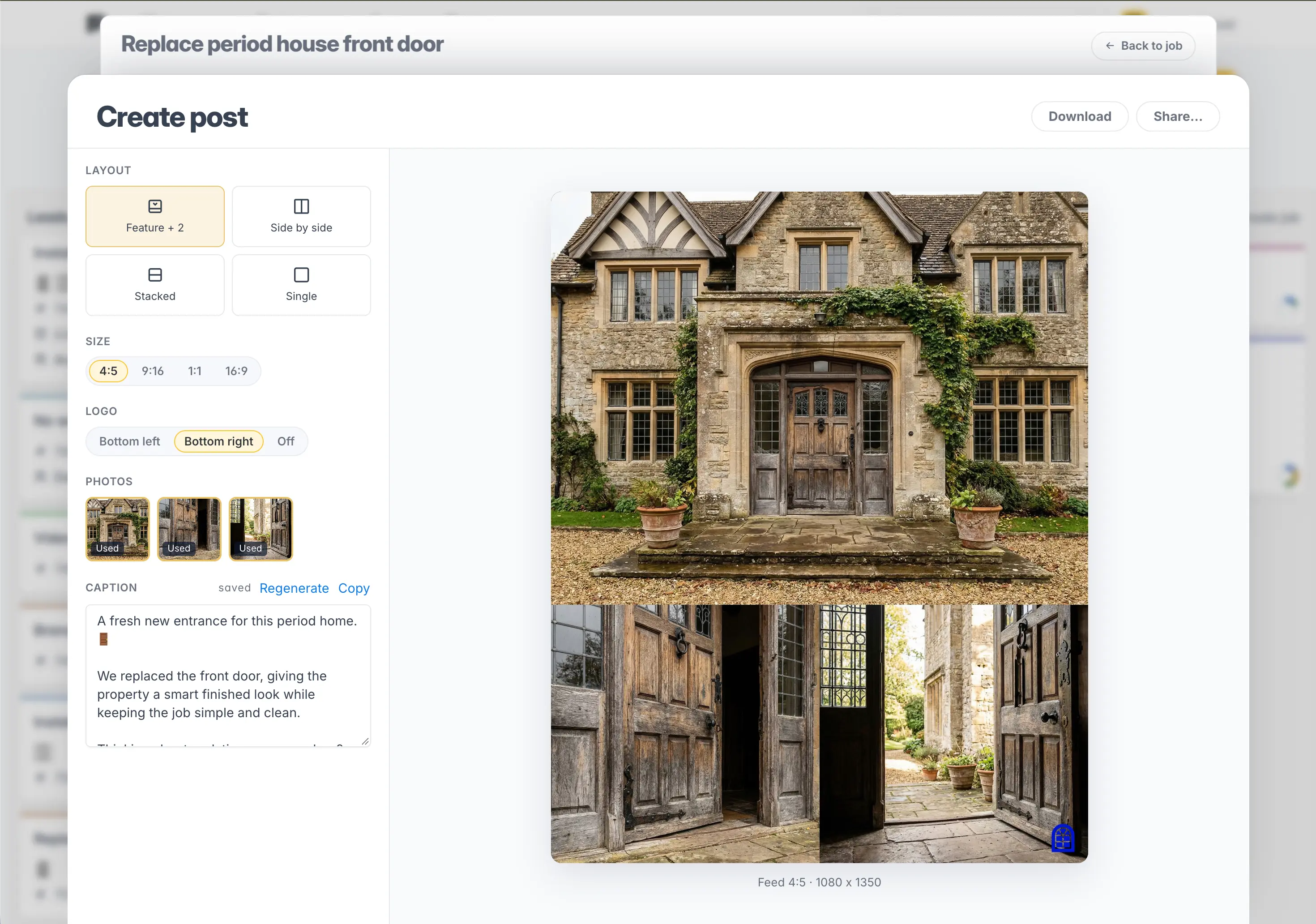
When a job has photos, create a showcase post from the job’s Actions menu. Pick a layout, size, and logo placement, tweak the caption, then download the image or share it with the caption. Your choices are saved automatically so you can come back and finish later.
Find every post you’ve made from Showcase posts in the user menu, with smart suggestions for completed jobs that are ready to turn into new posts.
What’s included
- Layouts for single photos, side by side, stacked, and feature plus two.
- Feed (4:5), story (9:16), square (1:1), and landscape (16:9) sizes for Instagram and Facebook.
- Your organisation logo on the image when you’ve uploaded one in settings.
- A Marshall caption drafted from the job (editable, with copy and rewrite).
- Autosave for layout, photos, logo placement, and caption.
- A gentle nudge when you finish the last Completion stage and the job has photos.
- Browse all your posts in one place, plus suggestions for jobs worth posting next.
Works on the new job page as a tool window, and on the classic job page in a modal.