Choose which SmartStages steps complete automatically
Turn automatic step completion on or off, and see when a step was completed automatically.
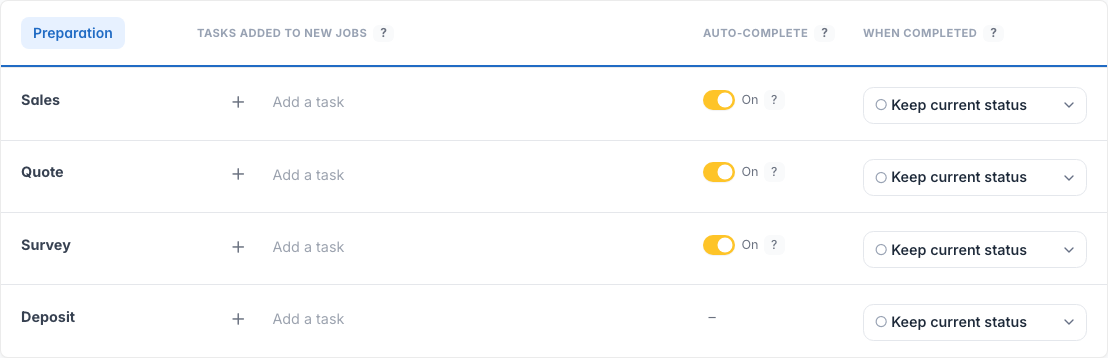
Some SmartStages steps already complete themselves when related work finishes, for example when a booking ends, a visit is completed, a quote is accepted, a customer signs off, or feedback comes in. You can now choose which of those stay automatic.
Where to set it up
Open Settings and choose SmartStages. Each step that can auto-complete has a switch in the Auto-complete column. Everything stays on by default, so current behaviour does not change until you turn a switch off.
Clearer on the job
When a step was completed automatically, the job shows Automatically completed with the time, instead of looking like a person ticked it. Any note about why it completed still appears underneath.