Share photos and files into FitterPal
From Photos, Files, or any app that shares, pick FitterPal in the share sheet to send photos and documents into a job.
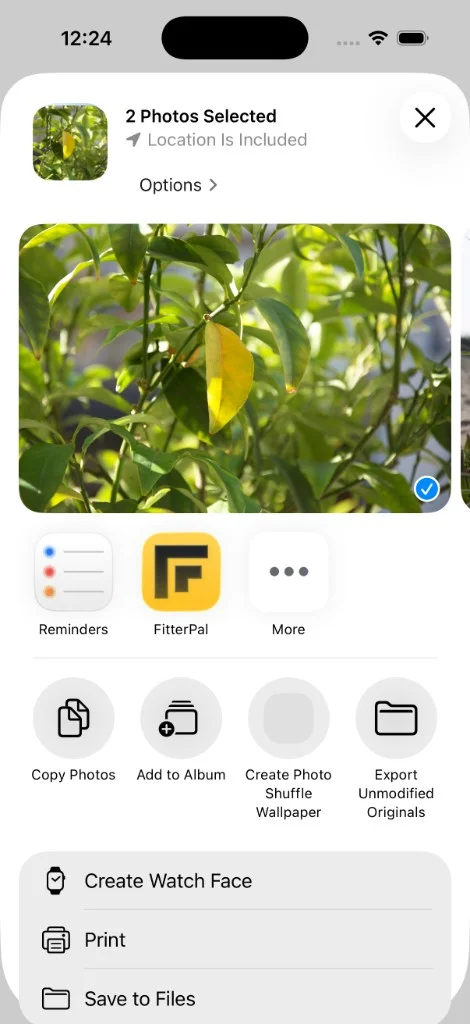
On your phone, you can share straight into the FitterPal app. Open Photos, Files, Mail, or anything else that supports Share, pick what you want to send, then choose FitterPal.
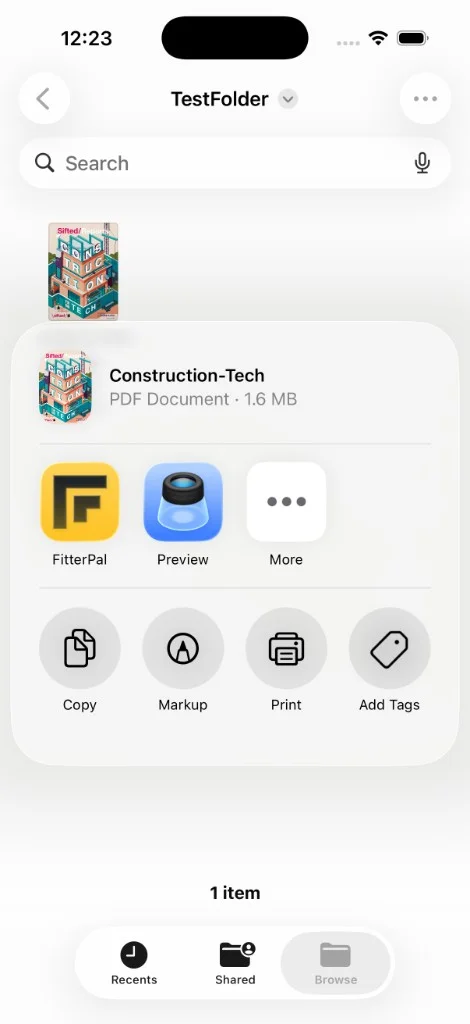
FitterPal opens so you can choose the job to attach to. Useful when a customer texts a photo, you have a PDF quote from a supplier, or you have site photos sitting in your camera roll.