Create enquiries before you create a customer
Capture in-house enquiries from the list, and copy custom question answers onto the job when you are ready.
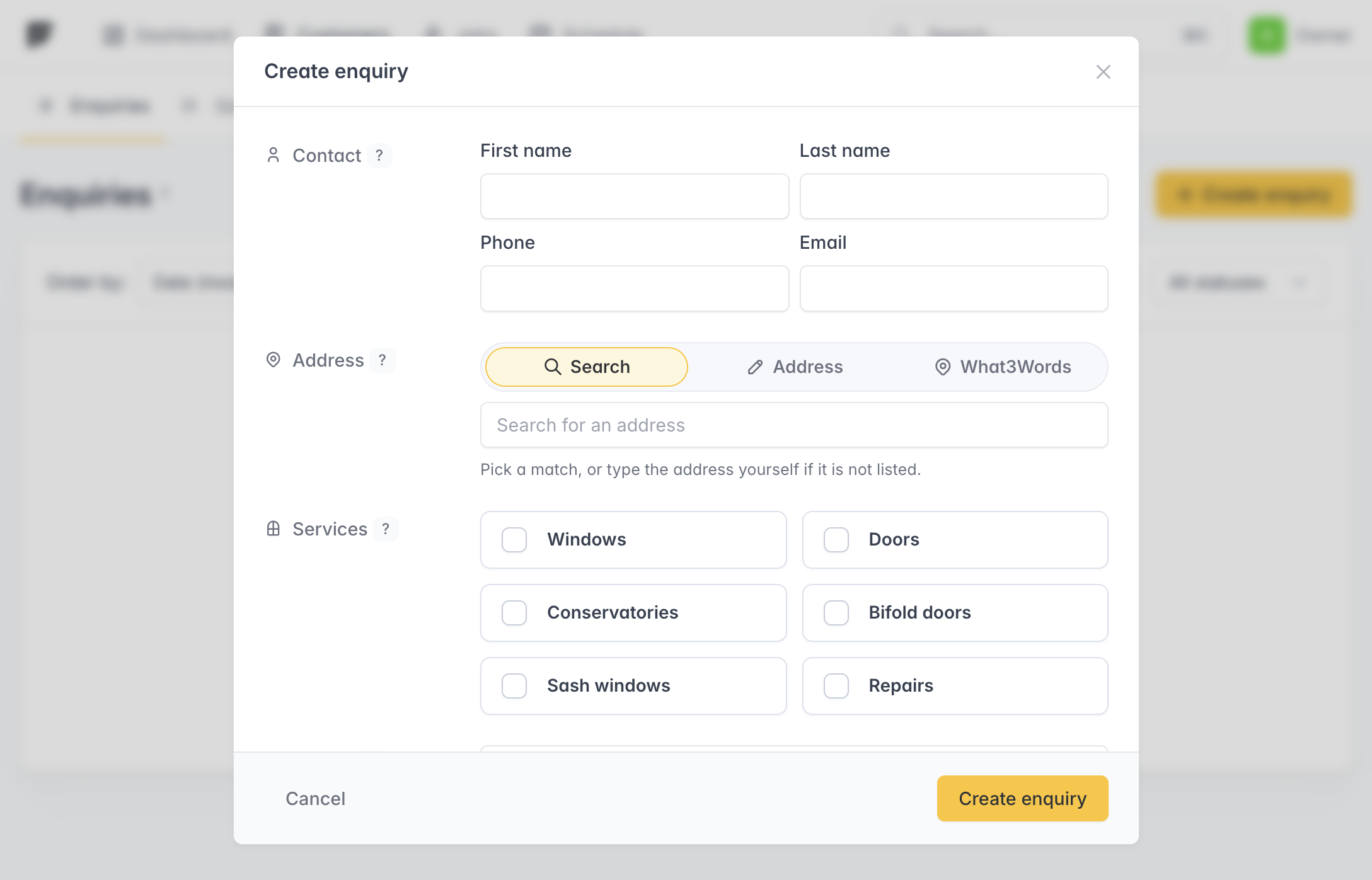
You can now create an enquiry from the enquiries list when someone calls or walks in, without turning them into a customer yet. Use the same custom questions as your website form, then convert the enquiry when you are ready to take the work on.
Enquiry detail pages match the customer layout: contact on the left, job details on the right, with who created an in-house enquiry, when it arrived, and directions so you can see distance and travel time first. Customers created from an enquiry start as Active.
When you create a job from an enquiry, custom question answers are copied into the job description automatically. Project details stay at the top, then each answered question follows in a labelled block, so you do not have to retype what was already captured. Multi-choice answers are listed with commas. The same happens if a job is created while booking from an enquiry.
The customers list links to Manage enquiries, and the questions editor lives at /enquiries/questions/.