Marshall can draft quotes as you create them
Marshall can prepare a first draft of a quote from information already saved on the job.
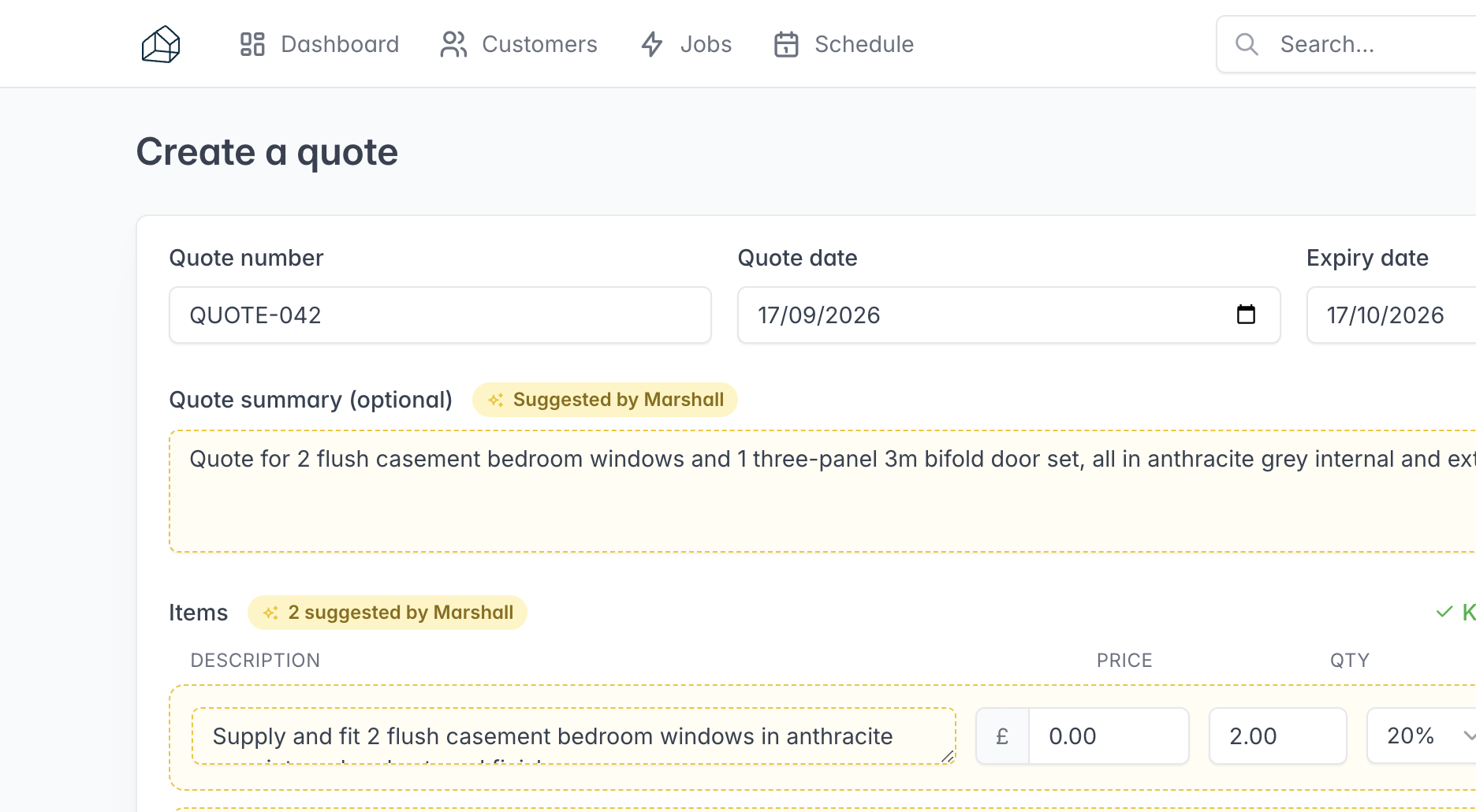
When you create a quote from a job, Marshall can prepare a first draft using the job details, notes, products, orders, documents, and survey information already in FitterPal. The draft can include the customer summary, footer notes, and line items.
Review the draft before creating the quote. You can keep, change, or remove any suggestion, or choose Fill in manually to start without a draft. Line items can still be edited on the next page. If FitterPal does not have a price for an item, its price is left at 0 for you to complete.
Your choices are saved with the quote. When editing an existing quote, you can still use Suggest from job to add products, orders, or time logs.