Hide job updates from fitters
Keep office-only notes off the fitter app by turning off Visible to fitters when you post an update.
When you add or edit a job update, you can choose whether fitters can see it.
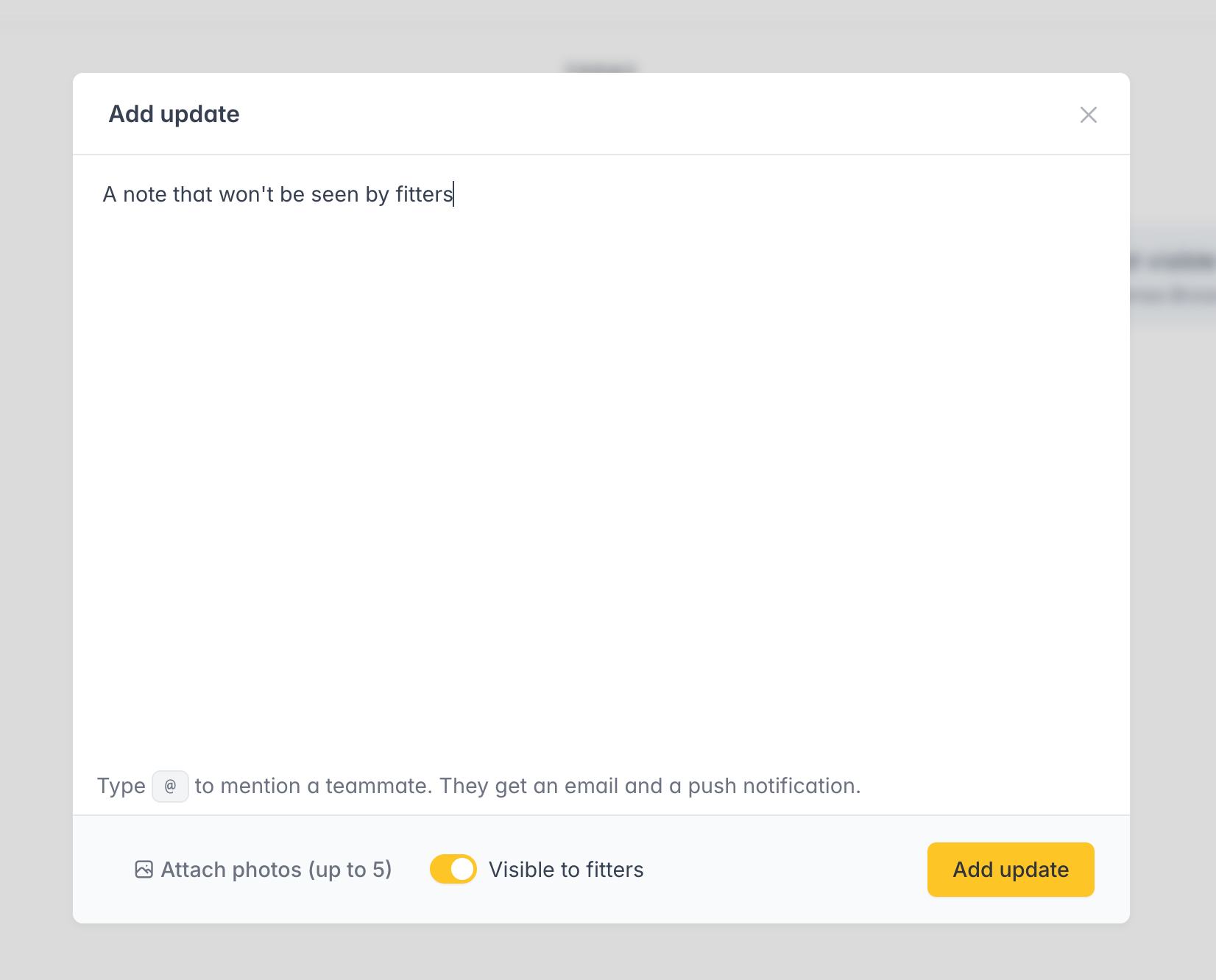
Turn off Visible to fitters for pricing, accountant details, or anything that should stay in the office. Those updates show an Only admins label for you, and they do not appear for fitters on the job, in SmartStages, in search, or in the FitterPal app.
New updates stay visible to fitters by default, same as documents.