Custom questions on your enquiry form
Add your own questions to the enquiry form, alongside name, phone and services.
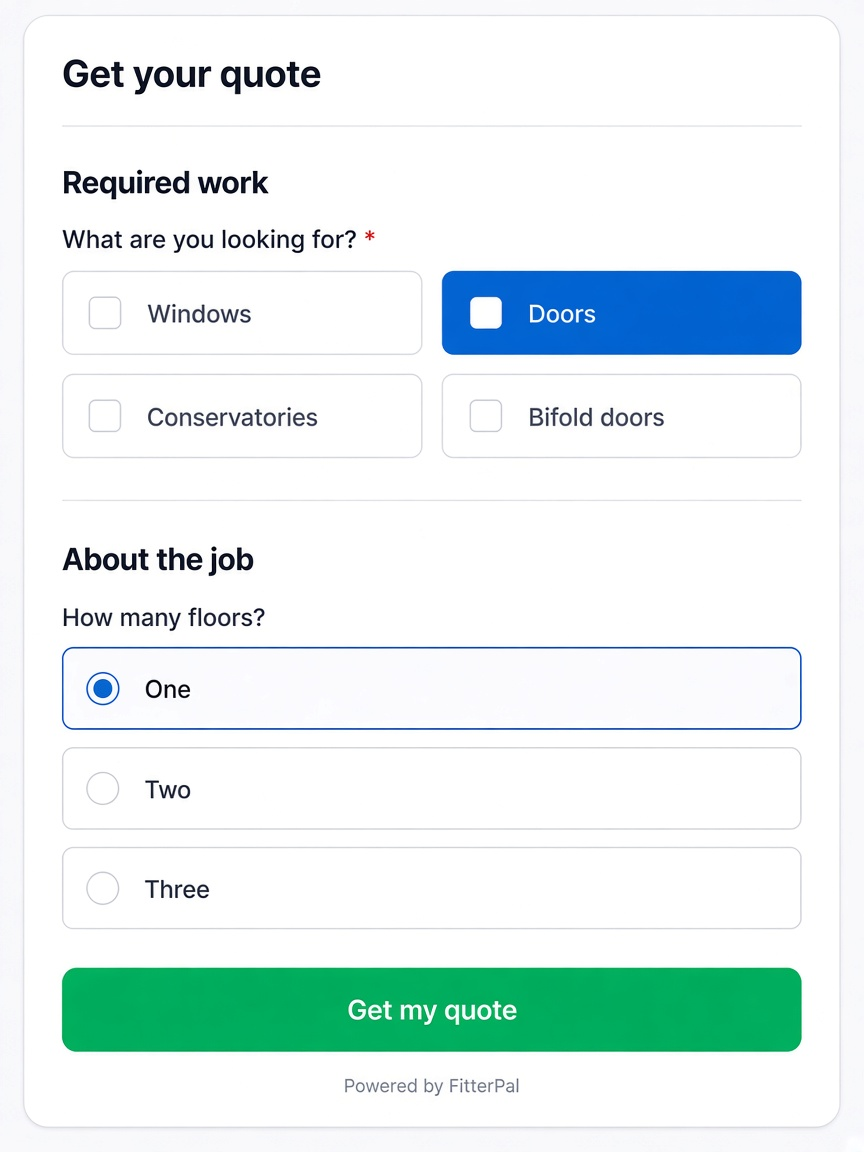
You can now add your own questions to the enquiry form, the same way you organise fields on a job form.
Use this for website leads or when someone calls in and you want to capture triage details before creating a job. Answers show on the enquiry detail page.
Where to set them up
Open Enquiries → Questions. At the top you can change the form title, supporting text and button label, and choose whether Required work shows services, “how soon”, and Add details or photos (turn all three off to hide that section). Below that, organise custom questions into sections (the default is About the job), the same way you group fields on a job form — including photo upload questions when you need a specific set of pictures.
What customers and staff see
The form is grouped into About you, optional Required work, then your custom sections. Single- and multiple-choice answers use the same tile style as services. Photo answers show as thumbnails on the enquiry detail page. Your settings apply to the hosted website form and the standalone enquiry form link.
Existing enquiries are unchanged. Only new submissions include answers to questions you have configured.