Export invoices to Clear Books
Download a Clear Books CSV from an invoice so you can import it into your accounts without retyping line items.
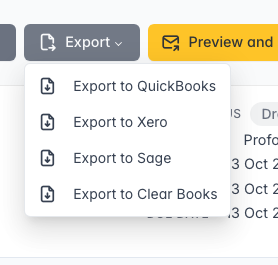
If you use Clear Books for accounts, you can export an invoice as a CSV ready for their sales invoice import.
How it works
On an invoice, open Export and choose Export to Clear Books.
The file includes the invoice number, dates, customer, line items, VAT rates, and currency. Import it in Clear Books under Tools → Import → Sales invoices, then map the columns if prompted.