If you run a window fitting business, a branded email is one of the cheapest credibility upgrades you can make. It helps you stand out from the competition How to make my window fitting business stand out from the competitionLook and sound like every other local firm and you get picked on price, so standing out means owning a clear position, winning the reputation race before the enquiry, and being the easiest firm in your area to deal with.. Here's how to set one up.
Why branded email matters
Professional image
You@yourbusiness.co.uk looks more trustworthy than a free address like yourbusiness@btconnect.com. Customers spot a generic provider in seconds, and the data backs it up: 75% of people say a domain-based email that matches your website is a very or extremely important factor when deciding whether to trust a small business, and a third doubt the legitimacy of a seller who uses a personal address (GoDaddy consumer trust survey).
That matters before the customer reads a word of your quote. You're asking them to let you into their home and hand over thousands of pounds. A free email address is a small signal, but it's one of the first they see.
Costly signaling, not vanity
Rory Sutherland, Vice Chairman at Ogilvy UK, talks often about "costly signaling": the visible effort a communicator puts in tells the recipient the message is worth taking seriously. It's why wedding invitations go out on thick card, not as a group text. A custom domain is the same principle in your inbox: you spent time and a few pounds setting up a proper address, and customers read that as "this is a real business" (Marketreach, behavioural science and Ogilvy). Ogilvy's own campaigns have shown how much these cues matter: thicker paper stock on a Christian Aid mailer lifted donations 16% with no change to the message at all.
Consistent branding
Every email becomes a mini advert for your business. Keeping your domain name in the from field reminds customers who you are, which feeds into dominating your local area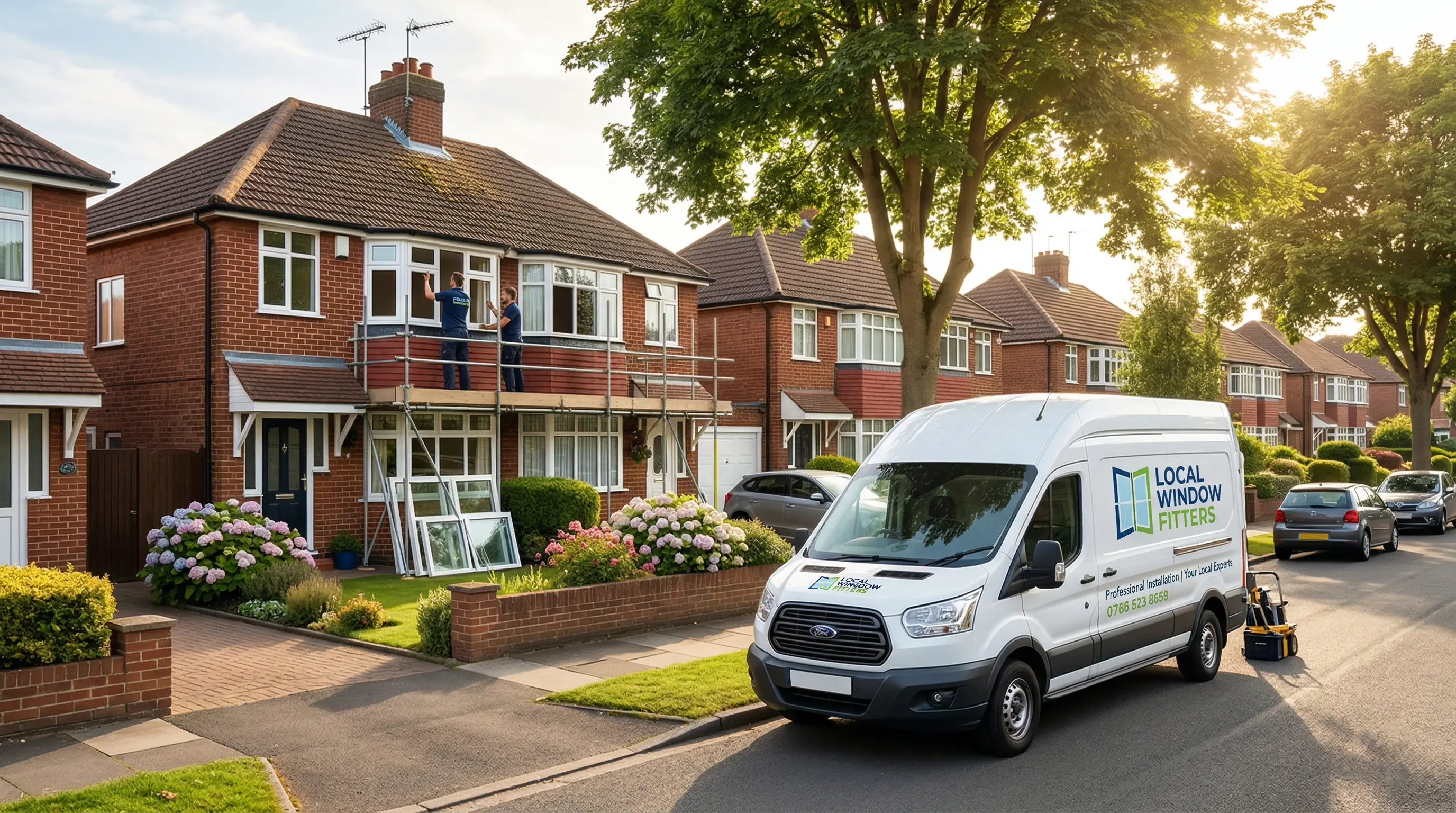 Dominating your local areaLocal dominance comes from being findable, referable and memorable in your patch, not from outspending bigger firms on marketing..
Better security and reliability
Custom email hosting usually includes stronger spam filters and proper backup. It's not just about looking professional: you're protecting customer data and job correspondence.
How to do it
Buy a domain name (optional if you already have one)
Choose a domain that matches your business. Common registrars include IONOS, GoDaddy, Namecheap, or Google Domains.
Forward emails
Once you've set up a domain, your provider will often offer email forwarding. That lets you keep using the inbox you already have, similar to physical mail forwarding.
The downside is on reply: the customer may see a different address than the one they wrote to, which looks inconsistent. To fix that, set up proper mailboxes with Google Workspace or Microsoft 365. We'll cover that in a follow-up post.
Get help if you need it
If you're a FitterPal customer, our technical team can support you in setting up your domain name and custom email address. You don't need to wrestle with DNS records or provider settings on your own.
Use it on stationery and branding
Update your sign-written vans, letterheads, business cards and adverts with the new address. It's a small job, but customers notice when every touchpoint matches.
Final thought
Setting up a branded email is quick, affordable, and pays off in professionalism. It shows you mean business, keeps your brand consistent, and gives customers confidence before they've even opened the message.
Once it's live, keep your quotes and customer comms tied to the right job, not scattered across inboxes. FitterPal keeps it all on one record so your new address actually connects back to the work you're quoting for.